
1. Home Components
Salla Platform Docs
  • Theme Architecture
    • Layouts
      • Overview
      • Global Variables
      • CSS Variables
      • Custom Fonts
      • Master Layout
      • Salla Icons
      • Hooks
      • Localizations
      • Salla Component Hooks
      • Hooks
        • Overview
        • Template Hooks
        • Component Hooks
    • Pages
      • Home Page
      • Overview
      • Product Pages
        • Products listing
        • Single product
      • Customer Pages
        • Profile
        • Orders list
        • Order details
        • Wishlist
        • Notifications
      • Blog Pages
        • Blog listing
        • Single blog
      • Brand Pages
        • Brands listing
        • Single brand
      • Common Pages
        • Cart
        • Loyalty
        • Thank you
        • Single page
        • Landing Page
    • Components
      • Overview
      • Home Components
        • Youtube
        • Fixed banner
        • Testimonials
        • Parallax background
        • Photos slider
        • Store features
        • Square photos
        • Fixed products
        • Products slider
        • Featured products - Style 1
        • Featured Products - Style 2
        • Featured Products - Style 3
        • Brands
        • Enhanced Square Banners
        • Main Links
        • Enhanced Slider
        • Slider Products with Headers
        • Latest Products
        • Vertical Menu with Slider
      • Product Components
        • Essentials
        • Options
      • Common Components
        • Header Components
        • Footer Components
        • Comments component
  • Requirements & Review
    • Overview
    • Main Requirements
    • Review Process
      • UI / UX Review
      • Technical Review
      • Metadata Review
      • Pre-Launch Review
  • Getting Started
    • Create a theme
    • Setup a theme
    • Develop a theme
    • Publish a theme
  • Files and Folders Structure
    • Directory structure
    • Twilight.json
  • Twig Template Engine
    • Basic syntax
    • Twilight flavoured twig
  • Change Log
Merchant
Merchant
  • Merchant API
  • Embedded SDK
  • Salla OAuth 2.0
Storefront
Storefront
  • Twilight Engine
  • Twilight SDK
  • Web Components
  • Ecommerce Events
  • Component Bundle
  • Checkout APIs
  • Change Log
App Functions
Partner APIs
Partner APIs
  • App API
  • Shipments & Fulfillment APIs
  • Salla AWB
  • Recurring Payments API
  • Billing System Salla partners
  • Communication Apps
Dev Tools
Dev Tools
  • Partners Agent Kit
  • Salla Apps Playbook
  • Salla CLI
Merchant
Merchant
  • Merchant API
  • Embedded SDK
  • Salla OAuth 2.0
Storefront
Storefront
  • Twilight Engine
  • Twilight SDK
  • Web Components
  • Ecommerce Events
  • Component Bundle
  • Checkout APIs
  • Change Log
App Functions
Partner APIs
Partner APIs
  • App API
  • Shipments & Fulfillment APIs
  • Salla AWB
  • Recurring Payments API
  • Billing System Salla partners
  • Communication Apps
Dev Tools
Dev Tools
  • Partners Agent Kit
  • Salla Apps Playbook
  • Salla CLI
Salla - Opensource
Salla - Developers Community
  1. Home Components

Brands

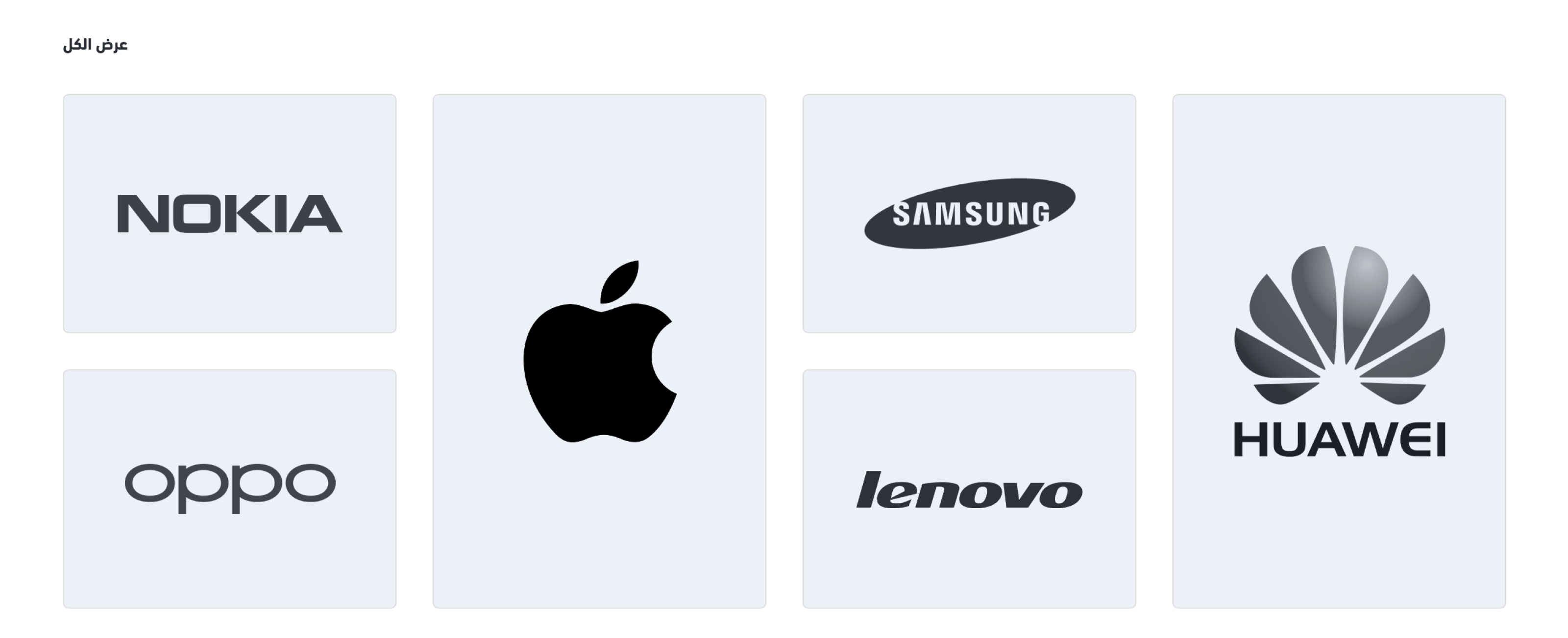
The store brands' logos are displayed using this component. Developers may use any design to style it because this is a significant section to draw the customers' attention.
Following is the location of this component.

Example#

Brands Components

Settings#

This component is a custom component. Its configuration is described in the twilight.json as follows:
{
  "version": ...,
  "theme_name": ...,
  "repo_url": ...,
  "support_url": ...,
  ...
  "components": [
    {
      "name": "brands",
      "title": "Brands",
      "icon": "sicon-award-ribbon",
      "path": "home.brands",
      "fields": [
        {
          "id": "brands",
          "type": "items",
          "label": "Brand",
          "format": "dropdown-list",
          "multichoice": true,
          "required": true,
          "source": "Brands"
        }
      ]
    }
  ]
  
}

Theme Preview#

The components can be managed using the theme preview in the Theme menu item of Salla Partners Portal. The developer can edit the component and enable it in the theme preview dashboard.
Theme Preview Dashboard

Variables#

The variables of this component are fetched from the twilight.json file as per the merchant settings. They are located in the components section's fields.
HomeBrandsComponent

Usage#

This component lists the brands related to the merchant's store using a loop. Based on that, a brand url and logo will be displayed as per the developer style.
Modified at 2026-07-09 11:27:26
Previous
Featured Products - Style 3
Next
Enhanced Square Banners