1. Salla AWB
Salla Platform Docs
  • Getting Started
  • Migration to the New API
  • Publish App
  • Change Log
  • Shipping Management
    • App Cycle
    • Test App
    • Create App
    • Setup App
  • Order Fulfilment
    • App Cycle
    • Setup App
    • Test App
    • Create App
  • Salla AWB
    • Getting Started
    • Create Shipping App
    • Setup Shipping App
    • App Functions
      • Shipment Creating
      • Shipment Cancelling
    • Generating AWB
      • Shipment AWB
      • Shipment Return AWB
      • Shipment Cancelled AWB
  • APIs
    • Shipments
      • Create Shipment
      • List Shipments
      • Update Shipment Details
      • Shipment Details
      • Cancel Shipments
      • Return Shipments
      • Shipment Tracking
    • Shipping Companies
      • List Shipping Companies
      • Shipping Company Details
    • Shipping Routes
      • Routes List
      • Route Details
      • Create Route
      • Update Route
      • Default Route
      • Delete Route
Merchant
Merchant
  • Merchant API
  • Embedded SDK
  • Salla OAuth 2.0
Storefront
Storefront
  • Twilight Engine
  • Twilight SDK
  • Web Components
  • Ecommerce Events
  • Component Bundle
  • Checkout APIs
  • Change Log
App Functions
Partner APIs
Partner APIs
  • App API
  • Shipments & Fulfillment APIs
  • Salla AWB
  • Recurring Payments API
  • Billing System Salla partners
  • Communication Apps
Dev Tools
Dev Tools
  • Partners Agent Kit
  • Salla Apps Playbook
  • Salla CLI
Merchant
Merchant
  • Merchant API
  • Embedded SDK
  • Salla OAuth 2.0
Storefront
Storefront
  • Twilight Engine
  • Twilight SDK
  • Web Components
  • Ecommerce Events
  • Component Bundle
  • Checkout APIs
  • Change Log
App Functions
Partner APIs
Partner APIs
  • App API
  • Shipments & Fulfillment APIs
  • Salla AWB
  • Recurring Payments API
  • Billing System Salla partners
  • Communication Apps
Dev Tools
Dev Tools
  • Partners Agent Kit
  • Salla Apps Playbook
  • Salla CLI
Salla - Opensource
Salla - Developers Community
  1. Salla AWB

Create Shipping App

Salla Partners Portal provides the tools to create different types of Apps including Shipping Apps. These Apps streamline shipping for Salla stores by offering a platform to manage orders shipment. As well as integrate with Salla stores and couriers, providing multi-carrier support. They have become essential for online shopping, providing fast, affordable, and reliable shipping services.
Important
To enable your shipping application to appear in Salla’s AWB options, contact the partners team at [email protected].

What you'll learn:#

In this article we will walk you through the steps of creating a Shipping App using the Partners Portal as well as setting up the App for shipping service providers.
How to Create a Shipping App

How to Create a Shipping App#

Creating Shipping Apps using the Partners Portal is a straightforward process.
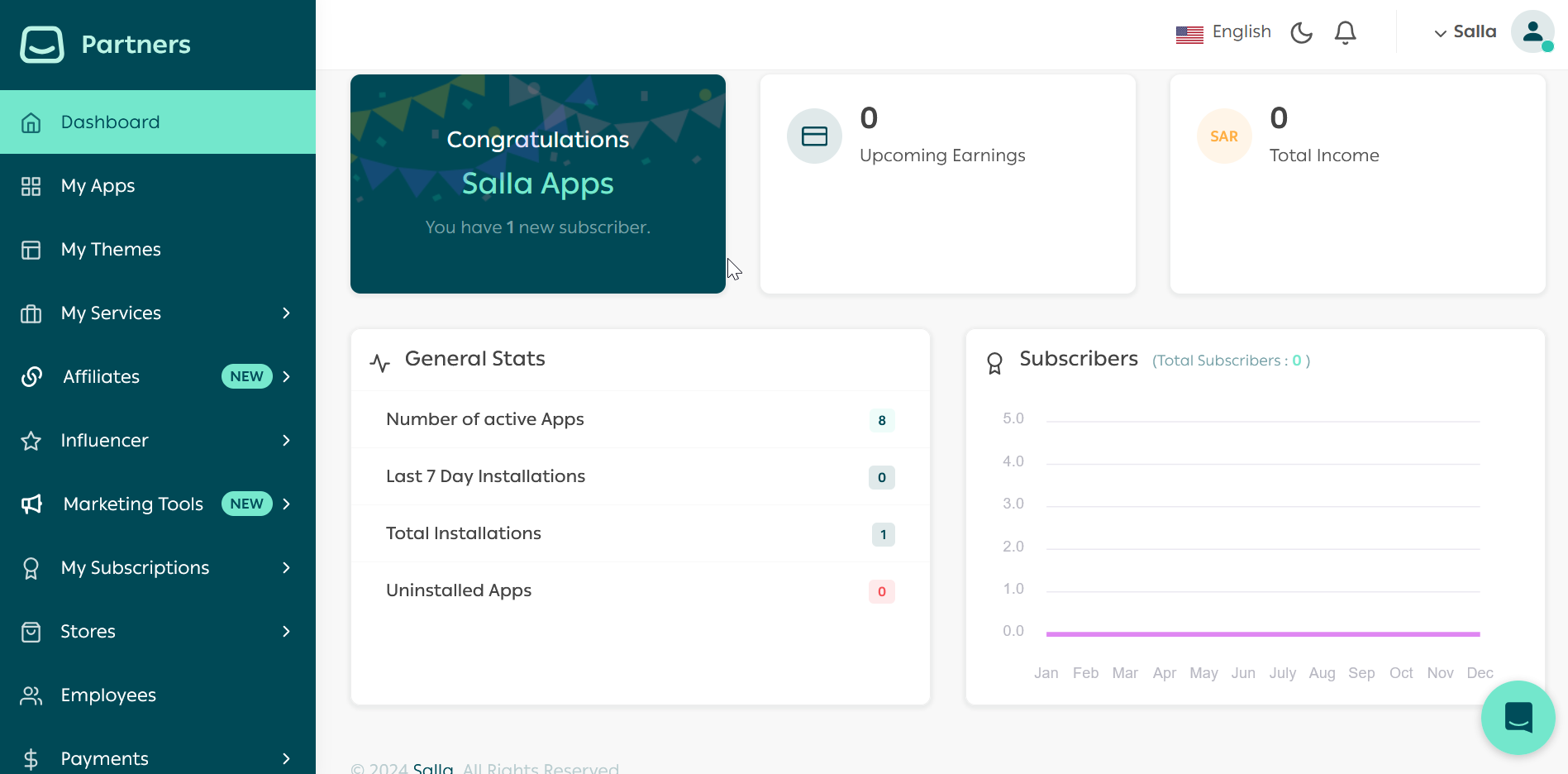
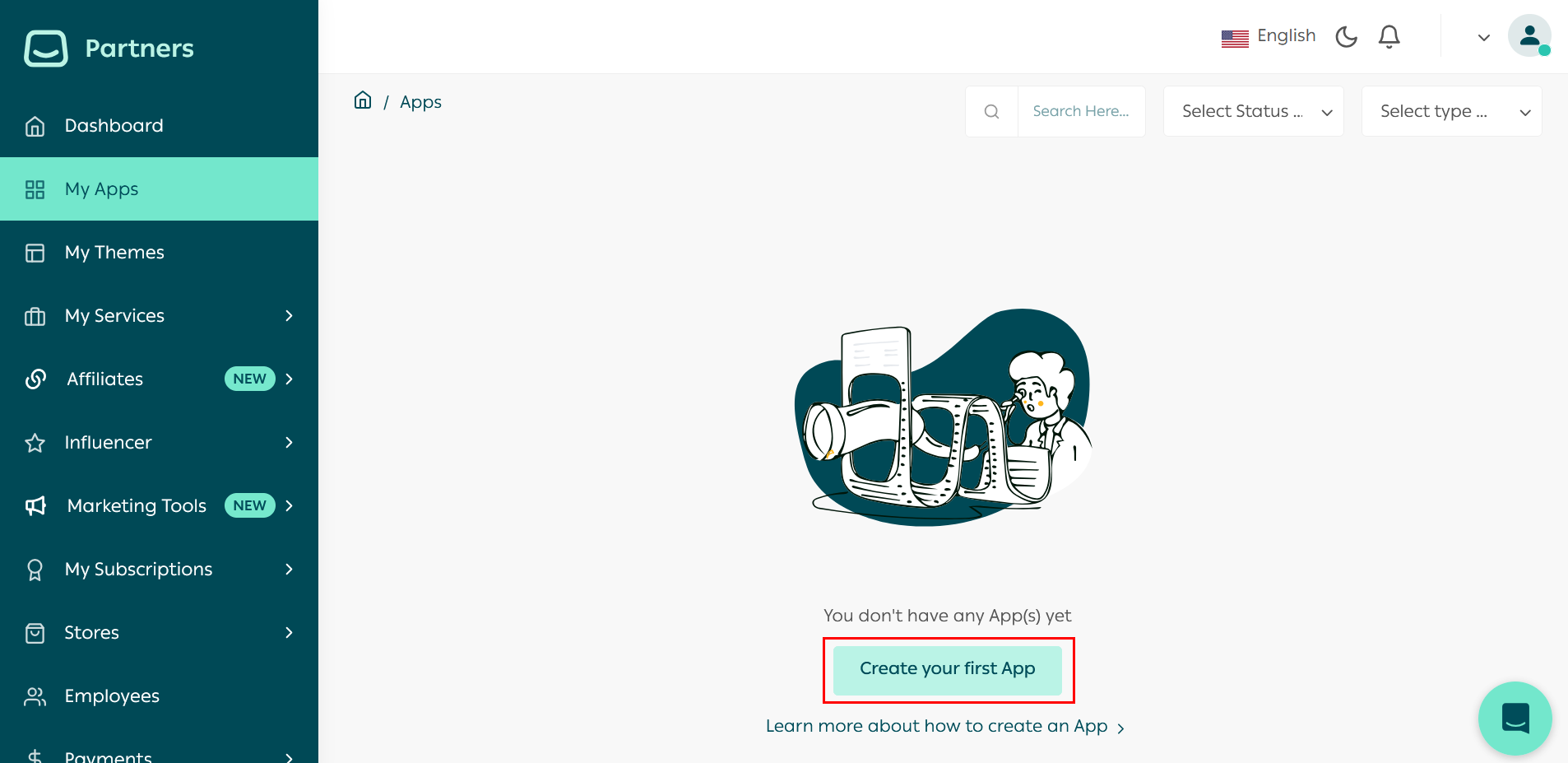
First, log in to Salla Partners account Then, click on the My Apps menu item on the left of the page.
This will redirect the page to the My Apps page. Click on Create your first App to begin creating an App.
Note
With Salla App Store, you can have two types of Apps:
Public App: your App can go into public usage and display for those users who browse the Salla App Store. The Merchants can view your App's details and may download/purchase your App.
Private App: privately built and developed apps for integration to either larger scaled or individual Merchants. The Apps won't be displayed or accessed from the Salla App Store homepage search results and more.
In this step, you will need to choose your App's type Public.
Note
Private Apps don’t have the option of Shipping App category
App Type
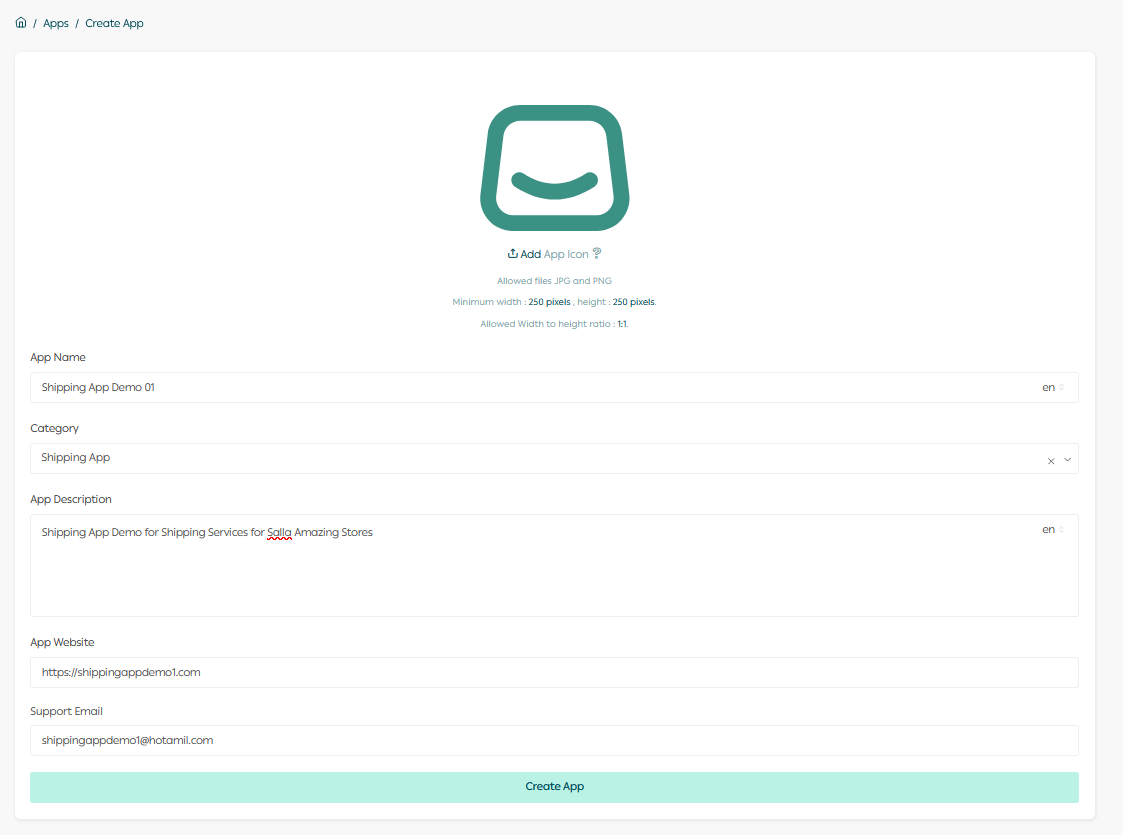
Afterward, start entering the basic information of your App:
ItemDescription
IconThe App icon image, it should have Minimum width : 250 pixels, height : 250 pixels. And the Width to high ratio is : 1 : 1 .
NameThe App name should be provided in English and Arabic
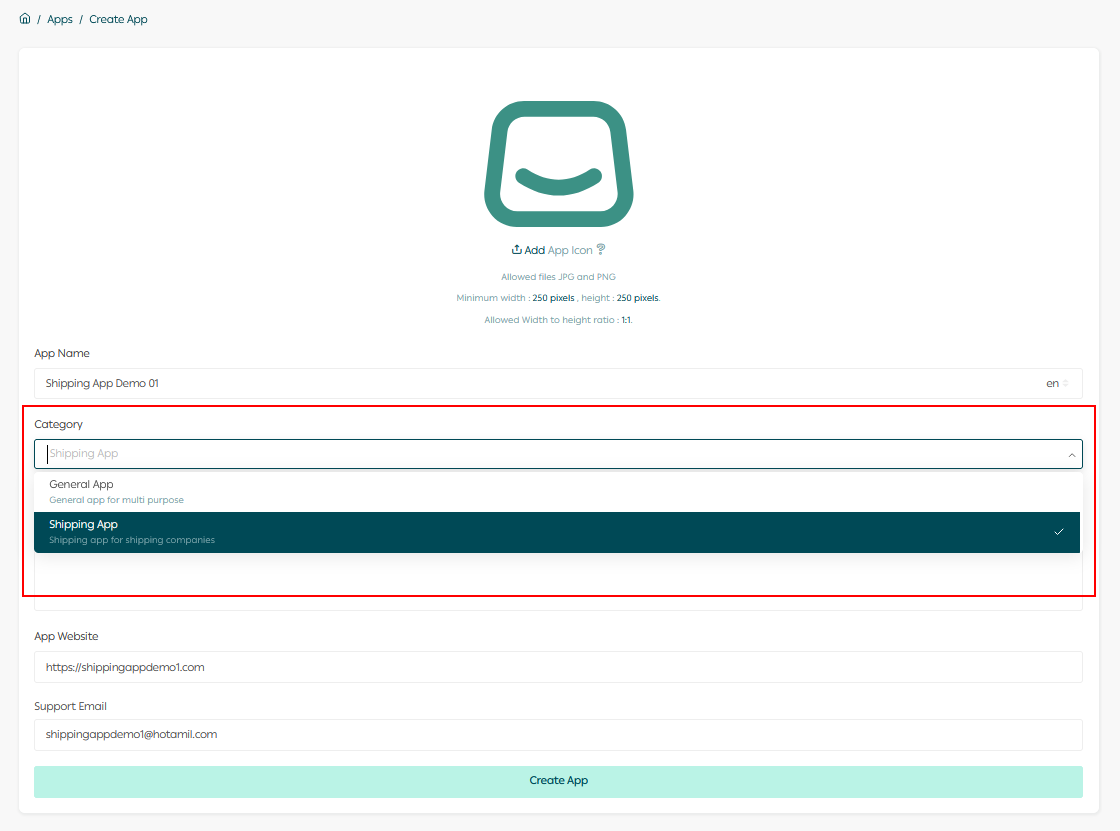
CategoryShipping Apps for Shipping services Apps, General App for other than Shipping App
DescriptionDescribe your App in 50 characters, in English and Arabic
App WebsiteThe App website URL link
Support EmailThe App support email address
Make sure to choose App Category as Shipping. As shown below:
Following is a complete example for Shipping App Basic information:
The developer will receive a notification for creating the App successfully in the Partners Portal and on the email linked to the partner's account.
Read more about publishing Salla App here.

Modified at 2026-05-10 20:55:37
Previous
Getting Started
Next
Setup Shipping App