1. Twilight Themes Command
Salla Platform Docs
  • Welcome to Salla CLI 👋
  • Usage
  • Authorization
  • Help
  • Apps Command
    • Overview
    • Create App
    • Create Webhook
    • Link
    • List and Info
    • Serve
    • Delete
    • Functions
  • Twilight Themes Command
    • Overview
    • List
    • Create
    • Preview
    • Publish
    • Delete
  • Additional Resources
    • Upgrade and Version
    • Troubleshooting
  • Theme Component Bundles Commands
    • Overview
    • List
    • Create
    • Publish
    • Delete
Merchant
Merchant
  • Merchant API
  • Embedded SDK
  • Salla OAuth 2.0
Storefront
Storefront
  • Twilight Engine
  • Twilight SDK
  • Web Components
  • Ecommerce Events
  • Component Bundle
  • Checkout APIs
  • Change Log
App Functions
Partner APIs
Partner APIs
  • App API
  • Shipments & Fulfillment APIs
  • Salla AWB
  • Recurring Payments API
  • Billing System Salla partners
  • Communication Apps
Dev Tools
Dev Tools
  • Partners Agent Kit
  • Salla Apps Playbook
  • Salla CLI
Merchant
Merchant
  • Merchant API
  • Embedded SDK
  • Salla OAuth 2.0
Storefront
Storefront
  • Twilight Engine
  • Twilight SDK
  • Web Components
  • Ecommerce Events
  • Component Bundle
  • Checkout APIs
  • Change Log
App Functions
Partner APIs
Partner APIs
  • App API
  • Shipments & Fulfillment APIs
  • Salla AWB
  • Recurring Payments API
  • Billing System Salla partners
  • Communication Apps
Dev Tools
Dev Tools
  • Partners Agent Kit
  • Salla Apps Playbook
  • Salla CLI
Salla - Opensource
Salla - Developers Community
  1. Twilight Themes Command

Delete

The developer can delete the theme that has been created by them using Salla CLI. This article will guide the developer on using the delete command to delete a theme.

📙 What you'll learn#

Delete command

Delete#

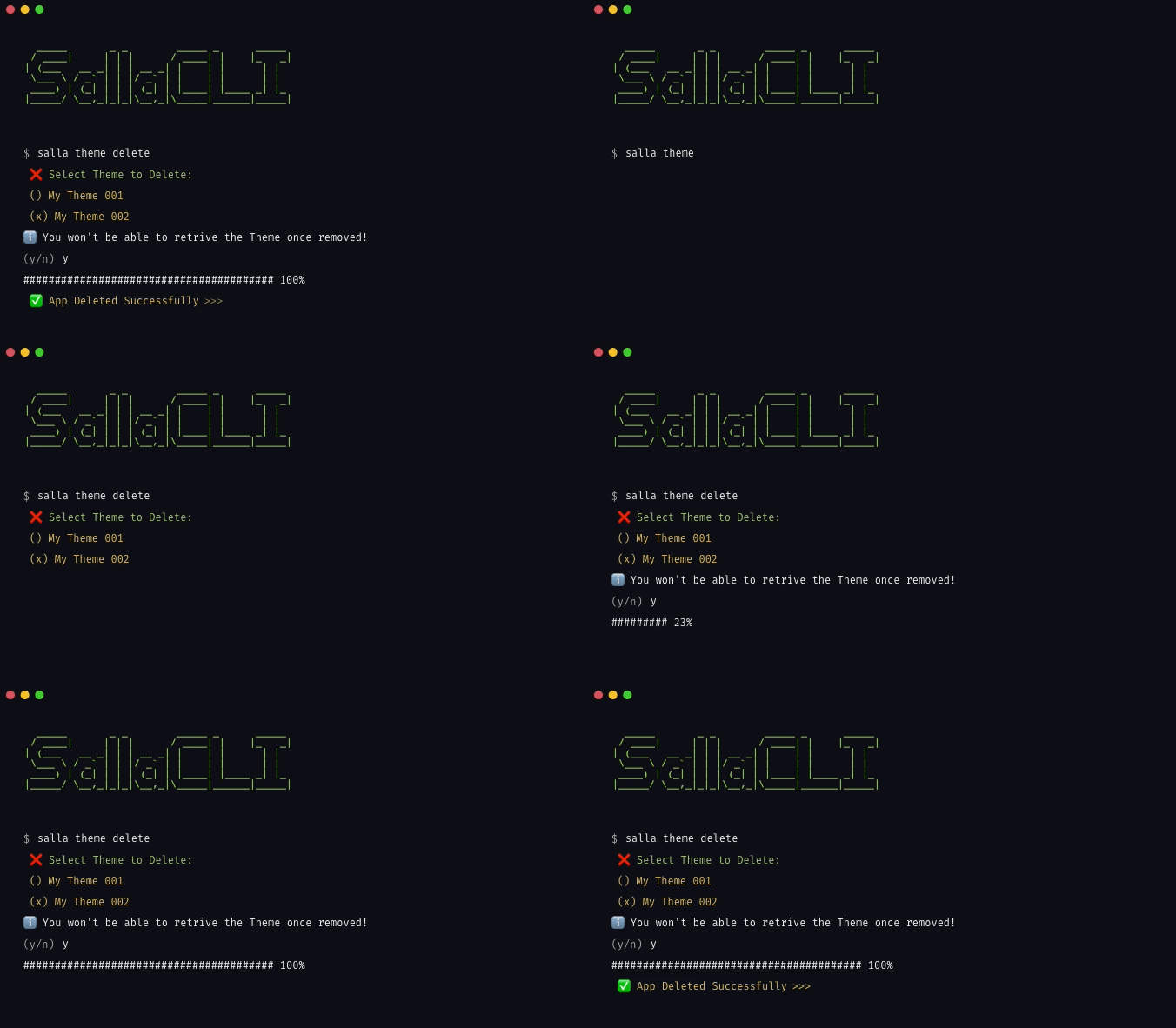
Initially the developer needs to login to Salla Partners and to the Github Account using PAT. Next, the developer can run the following command to delete the theme:
A list of themes that are connected to the developer Salla Partners account will be displayed for the developer to choose the theme they want to delete. After choosing the theme, a success message will be displayed.
Salla Theme Delete Command
Modified at 2026-07-09 11:27:26
Previous
Publish
Next
Upgrade and Version