1. Elements
Salla Platform Docs
  • Overview
  • Usage
  • Components Customization
  • Predefined vs Bundle Components
  • Elements
    • Conditional Fields
    • Count Down
    • Filters
    • Infinite Scroll
    • List Tile
    • Loading
    • Map
    • Placeholder
    • Progress Bar
    • Rating Stars
    • Skeleton
    • Slider
    • Social Share
    • Tabs
    • Apps Icons
    • Breadcrumb
    • Social
    • Reviews
    • Reviews Summary
    • Color Picker
    • Modal
    • Sheet
    • Notifications
  • Form
    • Button
    • Date Time Picker
    • Tel Input
    • Select
    • File Upload
    • Menu
    • Bottom Alert
    • Contacts
    • Quantity Input
    • Edit Order Button
  • Product
    • Product Card
    • Quick Buy
    • Meta Data
    • Payments
    • Comments
    • Orders
    • Conditional Offer
    • Installment
    • Add Product
    • Gifting
    • Offer
    • Offer Modal
    • Product Availability
    • Products List
    • Product Options
    • Product Size Guide
    • Products Slider
    • Quick Order
    • Scopes
    • Search
    • Advertisement
    • Multiple Bundle Product
    • Order Details
  • User
    • Cart Summary
    • User Menu
    • User Profile
    • Localization
    • Login
    • Loyalty
    • Rating
    • User Settings
    • Verify
  • Component Bundle
    • Directory Structure
    • Create Bundle
    • Setup Bundle
    • Publish Bundle
    • Publish Bundle Requirements
    • Getting Started
Merchant
Merchant
  • Merchant API
  • Embedded SDK
  • Salla OAuth 2.0
Storefront
Storefront
  • Twilight Engine
  • Twilight SDK
  • Web Components
  • Ecommerce Events
  • Component Bundle
  • Checkout APIs
  • Change Log
App Functions
Partner APIs
Partner APIs
  • App API
  • Shipments & Fulfillment APIs
  • Salla AWB
  • Recurring Payments API
  • Billing System Salla partners
  • Communication Apps
Dev Tools
Dev Tools
  • Partners Agent Kit
  • Salla Apps Playbook
  • Salla CLI
Merchant
Merchant
  • Merchant API
  • Embedded SDK
  • Salla OAuth 2.0
Storefront
Storefront
  • Twilight Engine
  • Twilight SDK
  • Web Components
  • Ecommerce Events
  • Component Bundle
  • Checkout APIs
  • Change Log
App Functions
Partner APIs
Partner APIs
  • App API
  • Shipments & Fulfillment APIs
  • Salla AWB
  • Recurring Payments API
  • Billing System Salla partners
  • Communication Apps
Dev Tools
Dev Tools
  • Partners Agent Kit
  • Salla Apps Playbook
  • Salla CLI
Salla - Opensource
Salla - Developers Community
  1. Elements

Breadcrumb

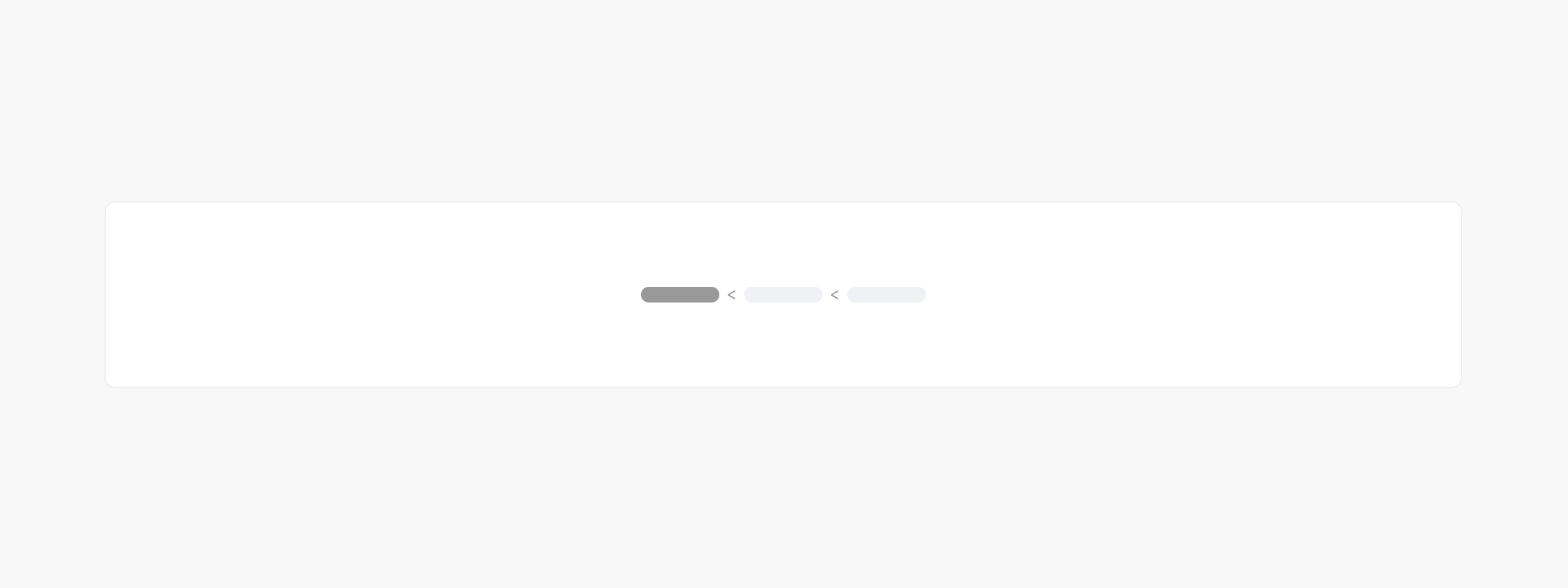
The <salla-breadcrumb> web component is used as a navigational helper and hierarchy for pages. Breadcrumbs are used as a high-level representation of where users have navigated. Users can click the pages' texts to go back to previous pages.

Example#

Alt text

Usage#

HTML
SASS
Simple Example
Advanced Example | Using `slots`

Slots#

Theslots makes it customizable to modify certain labels, such as icon.
SlotDescription
iconReplaces the breadcrumb arrow icon with a customized icon. Find a list of Salla Icons here
itemReplaces breadcrumb item, with replaceable props which are {url}, {title}.
Note
Breadcrumbs in your theme configuration are managed with the following method:
salla.config.get('theme.settings.is_breadcrumbs_enabled') to toggle their visibility.
Once enabled in your theme, breadcrumbs are automatically generated based on the previous page or by retrieving the parent page using:
salla.config.get('page.parent').
Modified at 2026-07-09 11:27:26
Previous
Apps Icons
Next
Social