1. User
Salla Platform Docs
  • Overview
  • Usage
  • Components Customization
  • Predefined vs Bundle Components
  • Elements
    • Conditional Fields
    • Count Down
    • Filters
    • Infinite Scroll
    • List Tile
    • Loading
    • Map
    • Placeholder
    • Progress Bar
    • Rating Stars
    • Skeleton
    • Slider
    • Social Share
    • Tabs
    • Apps Icons
    • Breadcrumb
    • Social
    • Reviews
    • Reviews Summary
    • Color Picker
    • Modal
    • Sheet
    • Notifications
  • Form
    • Button
    • Date Time Picker
    • Tel Input
    • Select
    • File Upload
    • Menu
    • Bottom Alert
    • Contacts
    • Quantity Input
    • Edit Order Button
  • Product
    • Product Card
    • Quick Buy
    • Meta Data
    • Payments
    • Comments
    • Orders
    • Conditional Offer
    • Installment
    • Add Product
    • Gifting
    • Offer
    • Offer Modal
    • Product Availability
    • Products List
    • Product Options
    • Product Size Guide
    • Products Slider
    • Quick Order
    • Scopes
    • Search
    • Advertisement
    • Multiple Bundle Product
    • Order Details
  • User
    • Cart Summary
    • User Menu
    • User Profile
    • Localization
    • Login
    • Loyalty
    • Rating
    • User Settings
    • Verify
  • Component Bundle
    • Directory Structure
    • Create Bundle
    • Setup Bundle
    • Publish Bundle
    • Publish Bundle Requirements
    • Getting Started
Merchant
Merchant
  • Merchant API
  • Embedded SDK
  • Salla OAuth 2.0
Storefront
Storefront
  • Twilight Engine
  • Twilight SDK
  • Web Components
  • Ecommerce Events
  • Component Bundle
  • Checkout APIs
  • Change Log
App Functions
Partner APIs
Partner APIs
  • App API
  • Shipments & Fulfillment APIs
  • Salla AWB
  • Recurring Payments API
  • Billing System Salla partners
  • Communication Apps
Dev Tools
Dev Tools
  • Partners Agent Kit
  • Salla Apps Playbook
  • Salla CLI
Merchant
Merchant
  • Merchant API
  • Embedded SDK
  • Salla OAuth 2.0
Storefront
Storefront
  • Twilight Engine
  • Twilight SDK
  • Web Components
  • Ecommerce Events
  • Component Bundle
  • Checkout APIs
  • Change Log
App Functions
Partner APIs
Partner APIs
  • App API
  • Shipments & Fulfillment APIs
  • Salla AWB
  • Recurring Payments API
  • Billing System Salla partners
  • Communication Apps
Dev Tools
Dev Tools
  • Partners Agent Kit
  • Salla Apps Playbook
  • Salla CLI
Salla - Opensource
Salla - Developers Community
  1. User

Localization

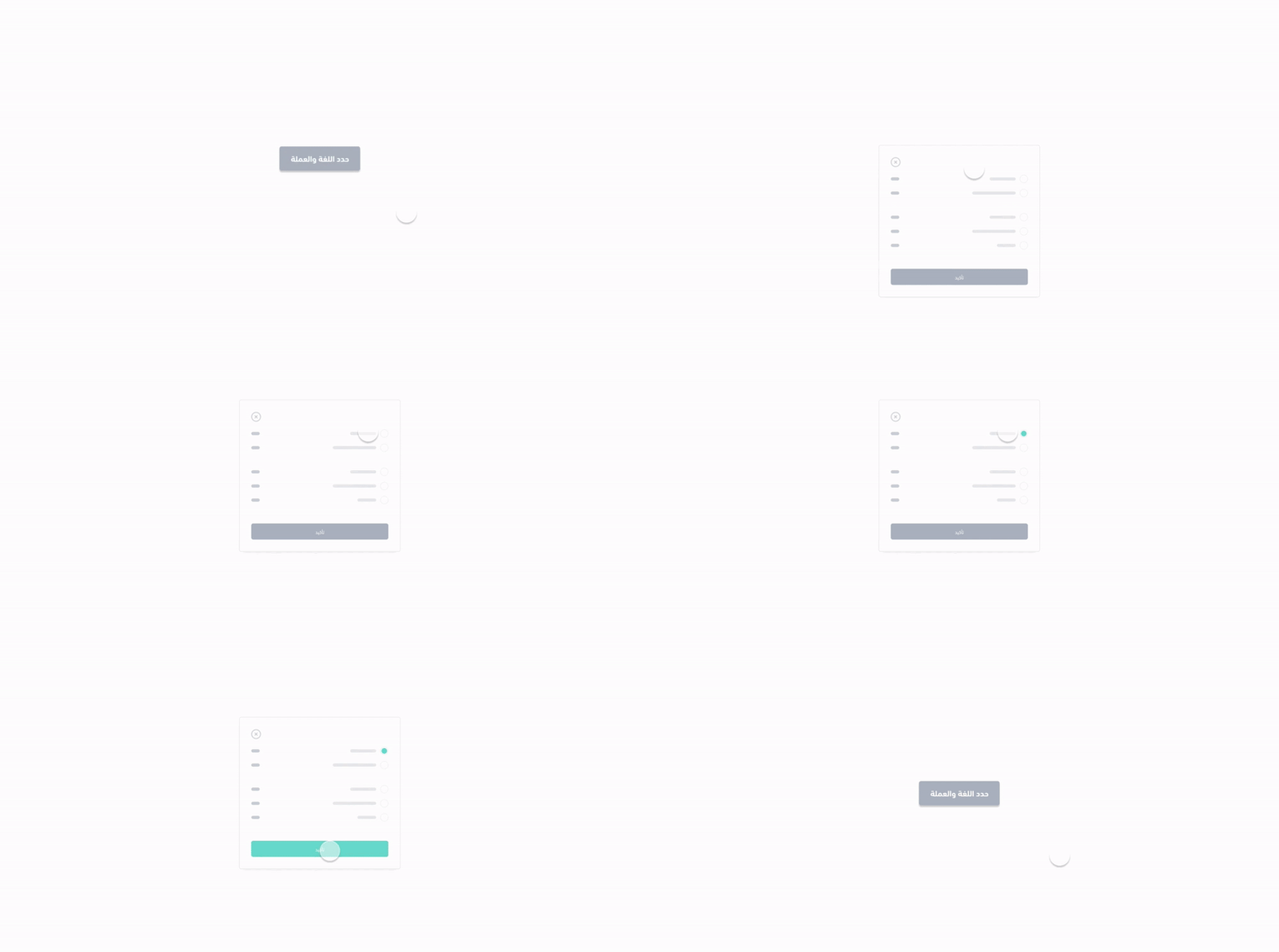
The <salla-localization-modal> web component shows the menu for the store's available languages and currencies. It consists of a Modal activated by the Button component that shows the menu for the store's available languages and currencies, and that can be customized using the properties' parameters.
Alert
The <salla-localization-modal> must not be called more than once at the same page.
Note
Available API Endpoints for the Localization component are:
Get Language
Currencies
List Currencies
Change Currency

Example#

Localization

Usage#

HTML
SASS

Properties#

PropertyAttributeDescriptionTypeDefault
LanguagelanguageEnabling the current localization attribute, either existing or newly selectedstring'salla.config.get('user.language_code')'
CurrencycurrencyEnabling the current currency attribute, either existing or newly selectedstring'salla.config.get('user.currency_code')'

Methods#

The pre-defined methods allow for calling to call functions built by Salla to carry out certain actvities, such as close / open the modal component or activating the action submit.
MethodDescriptionReturn Type
close()Closes the localization's componentPromise<HTMLElement>
open()Opens the localization's componentPromise<boolean>
submit()Submits the language/currency dataPromise<void>

Slots#

The slots makes it customizable to modify certain labels, such as currency & language, as well as adding header & footer extended features.
SlotDescription
currencyReplaces currency label with replaceable props which are {name}, {code}, {country_code}.
languageReplaces language label with replaceable props which are {name}, {code}, {country_code}.
headerReplaces the top of the modal.
footerReplaces the bottom of the modal.
Modified at 2026-07-09 11:27:26
Previous
User Profile
Next
Login